WhatsApp Incognito Mode & Meta AI: The Truth About Private Chats (2026)
Technology
15 May 26
WhatsApp Incognito Mode & Meta AI: The Truth About ‘Truly Private’ Chats
In the digital age, our smartphones have become repositories of our deepest secrets. From financial anxieties to health scares and relationship woes, we type things into WhatsApp that we wouldn't say out loud. But until this week, if you asked Meta AI for advice on a embarrassing medical symptom or a sensitive work issue, you were likely adding that data to a server log somewhere.
That changes today.
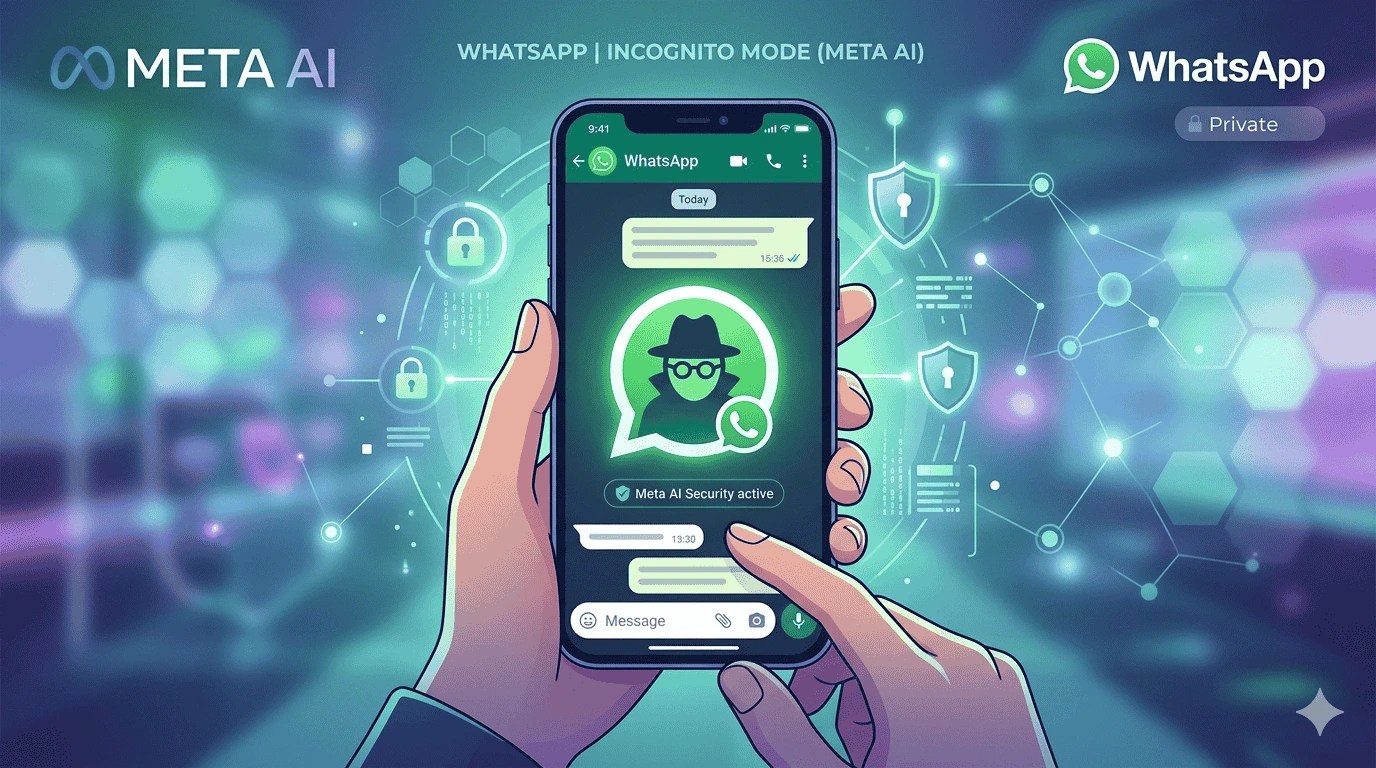
Meta has officially rolled out WhatsApp Incognito Mode for its Meta AI chatbot. Promising a level of secrecy that even exceeds standard end-to-end encryption, this new feature—dubbed "Incognito Chat"—is being marketed as a safe haven for your most private thoughts. But is it really "truly private," or is this just clever marketing from a data-hungry parent company?
Here is everything you need to know about using WhatsApp’s Incognito Mode, how it works, and what Meta can (and cannot) actually see.
What Exactly is WhatsApp Incognito Mode?
First, let’s clear up a massive point of confusion. This is NOT a feature to hide your "Last Seen" status or blue ticks from your boss. That is a common myth regarding standard privacy settings.
Instead, WhatsApp Incognito Mode is specifically designed for conversations with Meta AI, the chatbot integrated into the app. Think of it as a "burner phone" for artificial intelligence. When you activate this mode, you are telling the AI: Don't remember this. Don't log this. Look away.
According to Meta executives, users are increasingly asking AI for help with "private financial, personal, health, or work data". The incognito feature is designed to let you ask those awkward, sensitive questions without the fear that your data will be used to train future AI models or be exposed in a data leak.
How "Private" is Private Processing?
To understand this feature, you need to understand the tech behind it: Private Processing.
Normally, when you type to ChatGPT or Google Gemini, the text zips to a server, the AI generates a reply, and then that conversation is often stored to improve the algorithm. Even if you delete the chat, the company might retain the data.
WhatsApp Incognito Mode changes the rules. It processes your query inside a "Trusted Execution Environment" (TEE) - essentially a secure, isolated hardware vault on Meta’s servers. Meta claims that even their own engineers cannot peek inside this vault.
Here is the specific promise that sets this apart from rivals:
"Incognito Chat with Meta AI is truly private—no one can read your conversation, not even us."
The company claims that unlike other "incognito modes" offered by competitors (which simply hide the chat history on your device but still log it on the server), WhatsApp ensures the messages disappear server-side immediately after the session ends.
Key Features and Limitations (Read Before You Type)
Before you rush to confess your secrets to an AI, there are specific mechanics and limitations you need to know. The incognito experience is different from a standard chat.
1. Total Amnesia (No History)
Unlike regular Meta AI chats which retain memory to provide personalized responses, the Incognito session starts with a clean slate and ends with one. Once you close the chat window or lock your phone, the AI forgets everything. You cannot scroll back up to see what you asked yesterday; it is gone.
2. Text Only, No Visuals
Are you trying to get the AI to "imagine" a private photo or generate an image of a sensitive nature? It won't work. In Incognito Mode, you are limited strictly to text prompts. You cannot upload images or generate images. It is a purely conversational, text-only interface.
3. Safety Override
Meta has programmed safety filters specifically for this mode. Because the conversation is secret and untraceable, Meta has implemented stricter "refusal" mechanisms. If you try to ask the AI how to do something harmful, it will shut you down or steer you toward help lines. If you persist, it may simply stop interacting with you entirely.
How to Activate Incognito Mode
Rolling out over the "next few months" to both WhatsApp and the standalone Meta AI app, the activation process is designed to be simple.
-
Step 1: Open your existing one-on-one chat with Meta AI within WhatsApp.
-
Step 2: Look for a new icon in the chat window (likely near the text input area or menu options).
-
Step 3: Tap the icon to toggle "Incognito Chat" on.
You will know you are in incognito mode when the interface changes color or displays a mask icon, confirming that your conversation is now in a "secure environment".
The "Meta Irony": Why Is Facebook Doing This?
If you are skeptical, you aren't alone. There is a massive elephant in the room: Meta is an advertising company. Their entire business model relies on collecting data to sell ads.
WhatsApp, however, has always been the outlier. Since the Facebook acquisition, WhatsApp has maintained end-to-end encryption that Meta cannot crack. The incognito mode extends this philosophy to AI.
Why would Meta do this? The article suggests it is a defensive business move. With Apple rolling out Private Cloud Compute and Google integrating Gemini everywhere, Meta needs WhatsApp to remain a competitive, privacy-first utility. If users fear that talking to Meta AI will expose their secrets to Facebook's ad algorithm, they will simply use ChatGPT or Claude instead.
By offering a "verifiably private" AI chat, Meta keeps you locked into their ecosystem.
What About the Future? "Side Chat"
This launch is just the beginning. Meta has already announced a follow-up feature called Side Chat.
Currently, if you use Meta AI in a group chat, everyone sees what you ask. With Side Chat, you will be able to privately summon Meta AI within a group or 1-on-1 conversation. The AI will read the context of the chat to help you formulate a reply, but no one else in the chat will know you asked for help.
This is huge for social anxiety—imagine asking the AI "How do I politely decline this invitation?" without the other person seeing that message.
The Bottom Line: Is It Safe?
For average users, WhatsApp Incognito Mode is likely the most private consumer AI chat available right now.
However, security experts urge caution. In technical terms, while Meta promises they "can't see" the data, the legal system might compel them to try. If law enforcement seizes your phone while an incognito session is active, the conversation is visible on your screen. Once closed, however, the data is cryptographically shredded.
[ADVERTORIAL / INFOGRAPHIC BREAK]
5 Critical Things Meta AI’s Incognito Mode Won’t Do (Even in 2026)
Before you rely on WhatsApp Incognito Mode to hide your activity, you need to understand the fine print. While the integration with Meta AI is revolutionary for privacy, many users are confusing "Incognito Chat" with a VPN or a burner phone. Here is the reality check that Meta won't advertise loudly.
1. It Won’t Hide You From Your Mobile Carrier
Even when you enable Incognito Mode inside WhatsApp, the data packets still travel through your cellular or Wi-Fi network. Your Internet Service Provider (ISP) can see that you are connecting to Meta’s servers, even if they cannot read the encrypted content of the Meta AI conversation.
2. It Won't Bypass Screenshot Alerts
Many users assume "Incognito" equals "disappearing." Wrong. If you are in an Incognito Chat with Meta AI and you take a screenshot, WhatsApp will trigger a notification to the chat interface that a screenshot was captured. There is no "stealth mode" for saving the AI’s response.
3. No Cross-App Secrecy
Let’s say you ask Meta AI for a recipe in Incognito Mode. That request is secure. However, if you switch over to Instagram or Facebook (also owned by Meta) and search for the same ingredient, the algorithm will connect those dots. Incognito Mode only protects the chat bubble; it does not create a "privacy shield" around your Meta account ID.
4. Group Chat Vulnerability
Currently, WhatsApp Incognito Mode only works in 1-on-1 conversations with the AI. If you try to summon the AI in a group chat—even with Side Chat enabled—the metadata (who is talking to the AI and when) remains visible to the group admin. The contents are private, but the act of being in incognito mode is not.
5. The "Emergency Exit" Rule
According to the latest rollout documents, if WhatsApp detects that your phone is compromised (jailbroken or rooted), the Incognito Mode option will automatically gray out. The system prioritizes security over functionality. If your phone is "dirty," Meta AI refuses to play.
The Verdict:
Use Incognito Mode for what you whisper to a doctor or a lawyer. Do not use it for illegal activity, as safety filters will block you anyway.
For the first time, you can ask the internet's most powerful AI about that rash, your debt, or your relationship issues—without leaving a digital footprint for the algorithms to exploit later.